
01
Upload a source you can edit
Choose an MP4, MOV, or WebM file and keep an untouched copy of the original.
Paint the person or object on one clear frame. Keep the mask fixed or turn on tracking, then review the repaired clip before export.
Upload Video
Drag and drop your clip here or click to upload
MP4, MOV, WebM · 10 points included with sign-up
Process only footage you own or have permission to edit
For titles, timestamps and promotional copy, use remove text from video.
Start with a short section so you can judge the repaired area before processing more footage.
Choose an MP4, MOV, or WebM file and keep an untouched copy of the original.
Use the brush, rectangle, or lasso. Cover the target without swallowing nearby faces, text, or edges.
Leave tracking off for a fixed target or turn it on for movement. Check the whole interval before download.
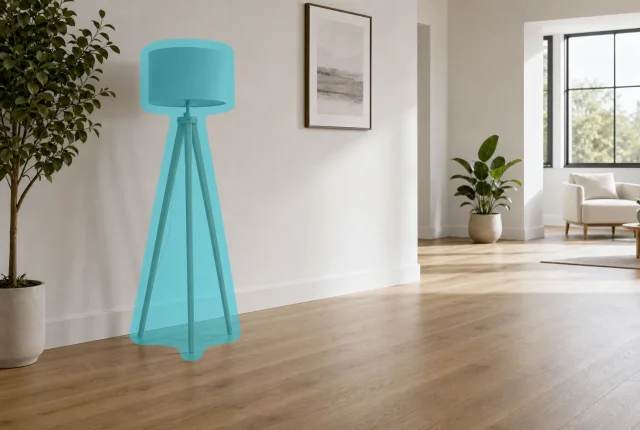
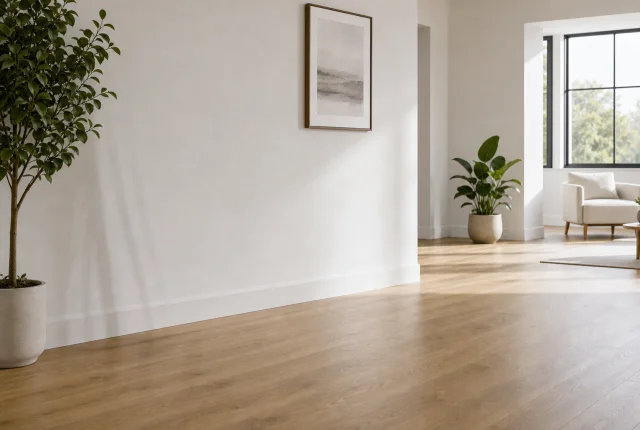
The still pairs below show the selected area and a repaired frame. They are examples of placement, not a promise that every moving clip will match the still.
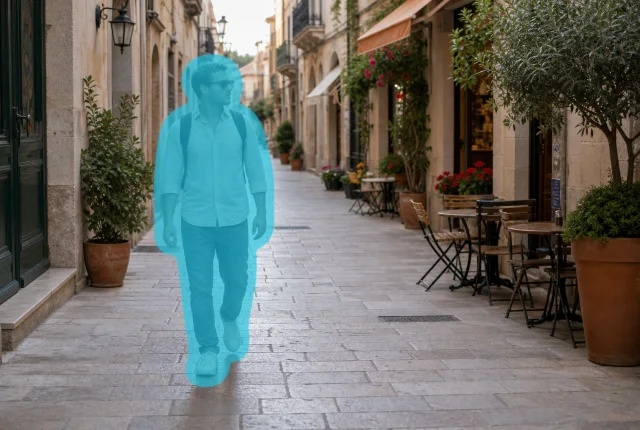 Masked
 Repaired
Start where the person is fully visible. If they walk through the shot, use tracking and inspect the first and last visible frames.
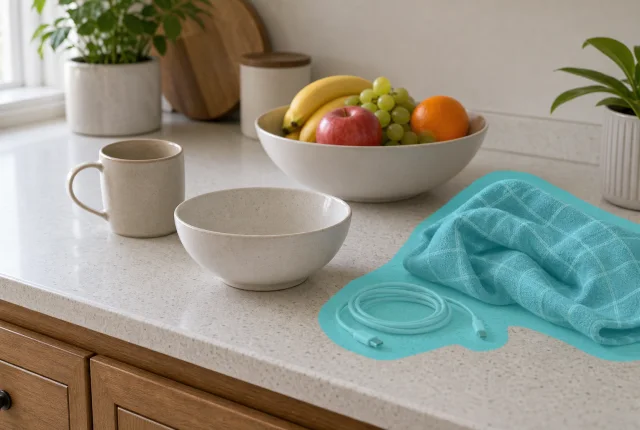 Masked
 Repaired
For stationary bags, cables, cups, or towels, a fixed mask is easier to control than tracking. Separate objects that do not touch.
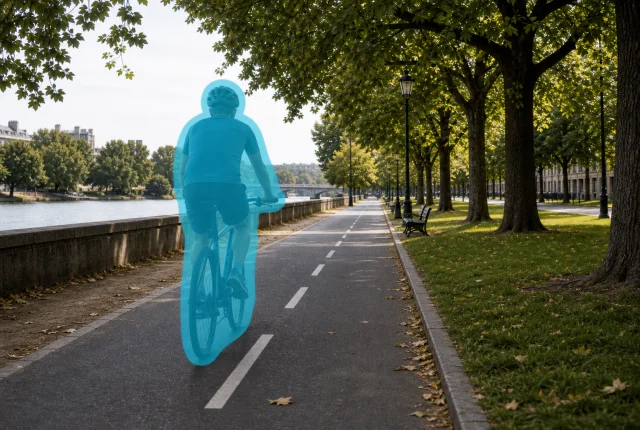 Masked
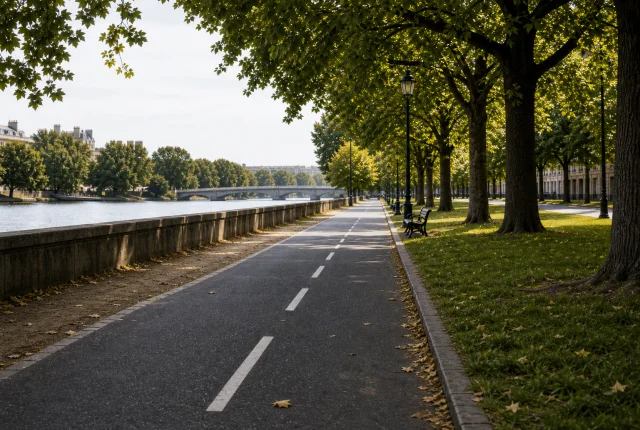 Repaired
Choose a frame with a clear bike-and-rider silhouette. Tracking helps follow the target, but motion blur still needs a full-speed check.
 Masked
 Repaired
Cones, bins, stands, and set items often stay fixed. Mask only the items you can replace with visible nearby texture.
The frame where you paint is only the reference. Scrub through the clip and choose the mode that matches how the target actually moves.
Leave tracking off for a cup, cable, sign, or other object that stays in place. Extend the mask only if part of the target leaves it later.
Turn on auto tracking for a person, bike, cart, or car. Inspect overlaps, motion blur, and the frames where the target enters or leaves.
Fast camera moves, large occlusions, faces, hands, and fine edges can need another pass or a manual edit. Keep the source and review at normal speed.
Short answers about mask size, tracking, source files, and difficult footage.
No. Leave it off when a cable, cup, sign, or other target stays in the same part of the frame. Turn it on when a person, bike, cart, or vehicle moves. A fixed mask is usually easier to review when movement is limited.
Cover the full outline and any attached detail that must disappear, but keep the selection close to the target. Check later frames before processing; widen the mask only where the target leaves it.
The repaired area has to remain consistent while the camera, lighting, and background change. Review the result at normal speed and scrub through cuts, motion blur, overlaps, and the moment the target enters or leaves the frame.
The uploader accepts MP4, MOV, and WebM. Use the cleanest source available. The editor keeps the original composition rather than cropping the frame, although the selected area itself is reconstructed.
Process footage you own, license, or have explicit permission to change. Keep required attribution, safety notices, evidence, and ownership marks outside the selection, and retain an untouched source copy.
Upload a source you can edit, mark one target, and review the repaired area across the selected interval.
10 points are added after sign-up · Keep the original source