Free AI Kling Watermark Remover

Free Kling Watermark Remover Online - No Blur (Supports 3.0)

Upload your video

Drag & drop a file here, or click to browse

Videos are processed securely and never shared

MP4, MOV, AVI, MKV, WebM · Up to 2GB

See the difference

BeforeKling AI-generated video with visible Kling AI watermark before AI removal - UnmarkAI
AfterClean Kling AI-generated video after AI Kling watermark removal - UnmarkAI

Remove the visible Kling AI watermark from videos you generated or are authorized to edit. UnmarkAI tracks the corner logo, text mark, or moving stamps frame-by-frame, erasing them and reconstructing the hidden background with zero quality loss.

Use this online Kling watermark remover for clean AI-video exports, portfolio clips, client previews, ad concepts, and social edits where you need the full resolution preserved. Upload your file, let AI handle dynamic marks across all Kling versions, preview the result, and download.

Can AI remove moving visible Kling logos without blur?

Yes. AI can track a moving visible Kling logo, corner mark, or text watermark frame by frame and reconstruct the hidden background instead of covering the area with blur. Results depend on source quality, motion, and background complexity.


Does Kling watermark removal affect invisible provenance markers or metadata?

No. UnmarkAI is designed to clean visible Kling logos, text marks, or export stamps that appear in the video image. It does not alter invisible provenance markers or metadata, and it should only be used on videos you own or are authorized to edit.

What is the Kling AI watermark?

A Kling AI watermark is a visible logo or text mark rendered into an AI-generated video export. Depending on the Kling version (like 3.0 vs older versions), the mark might be static or have subtle dynamic movement. Because it becomes part of the video pixels, removing it cleanly requires reconstructing the background underneath the mark frame-by-frame.

Visible logo or text

usually a small branded mark placed near an edge or corner of the frame.

Static or dynamic

some newer marks may shift slightly, requiring consistent tracking to avoid visual artifacts.

Burned into pixels

the watermark is part of the exported video image, not a separate layer.

UnmarkAI removes only the visible

UnmarkAI removes only the visible mark; it does not alter invisible provenance markers or metadata.

How to remove the Kling watermark from video online

Upload a Kling-generated video you own, let AI locate and track the visible logo or text watermark (even if it moves), then preview the clean export before downloading.

01

Upload your Kling AI video

Start with a video generated by Kling 1.6, 2.6, 3.0, or newer versions. Supported formats include MP4, MOV, AVI, MKV, and WebM. Use the highest-quality export available for the cleanest reconstruction.

02

AI tracks and removes the visible watermark

UnmarkAI scans the video frame by frame, smoothly tracking the visible Kling AI watermark area. It uses advanced inpainting to seamlessly rebuild the background pixels covered by static or dynamic marks without causing flicker.

03

Preview and download the clean result

Review the before-and-after preview, check textured areas and motion edges near the removed mark, then download a clean video that keeps 100% of the original framing, resolution, and quality.

Kling AI watermark removal results

Kling AI clips often use cinematic backgrounds, motion blur, reflections, and detailed generated textures. AI inpainting tracks the visible watermark and removes it while preserving the full frame.

  • No blur patchThe watermark area is seamlessly reconstructed instead of being covered with mosaic, blur, or a noticeable smudge.
  • Full frame preservedNo forced crop, so vertical and cinematic Kling clips keep their intended composition and original resolution.
  • Handles moving marksConsistent frame-by-frame tracking prevents flickering, even if the watermark subtly shifts during the video.
BeforeKling AI-generated vertical landscape video with visible Kling AI watermark before removal
AfterSame Kling AI landscape video after the visible watermark was removed cleanly without blur
Ready for a cleaner clip?AI-powered, no blur, no quality drop.
Start free
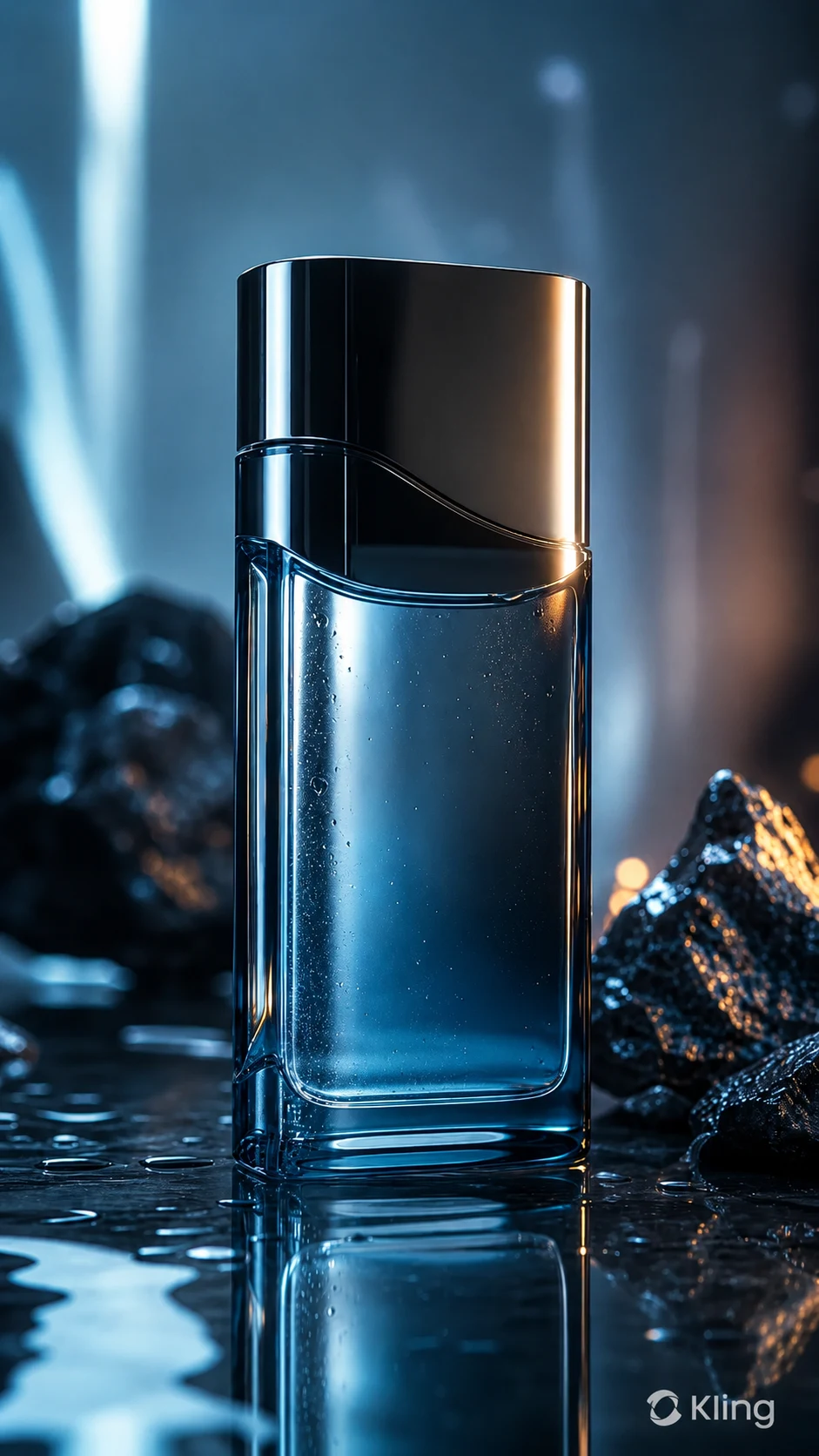
BeforeKling AI-generated product video with visible Kling AI watermark before cleanup
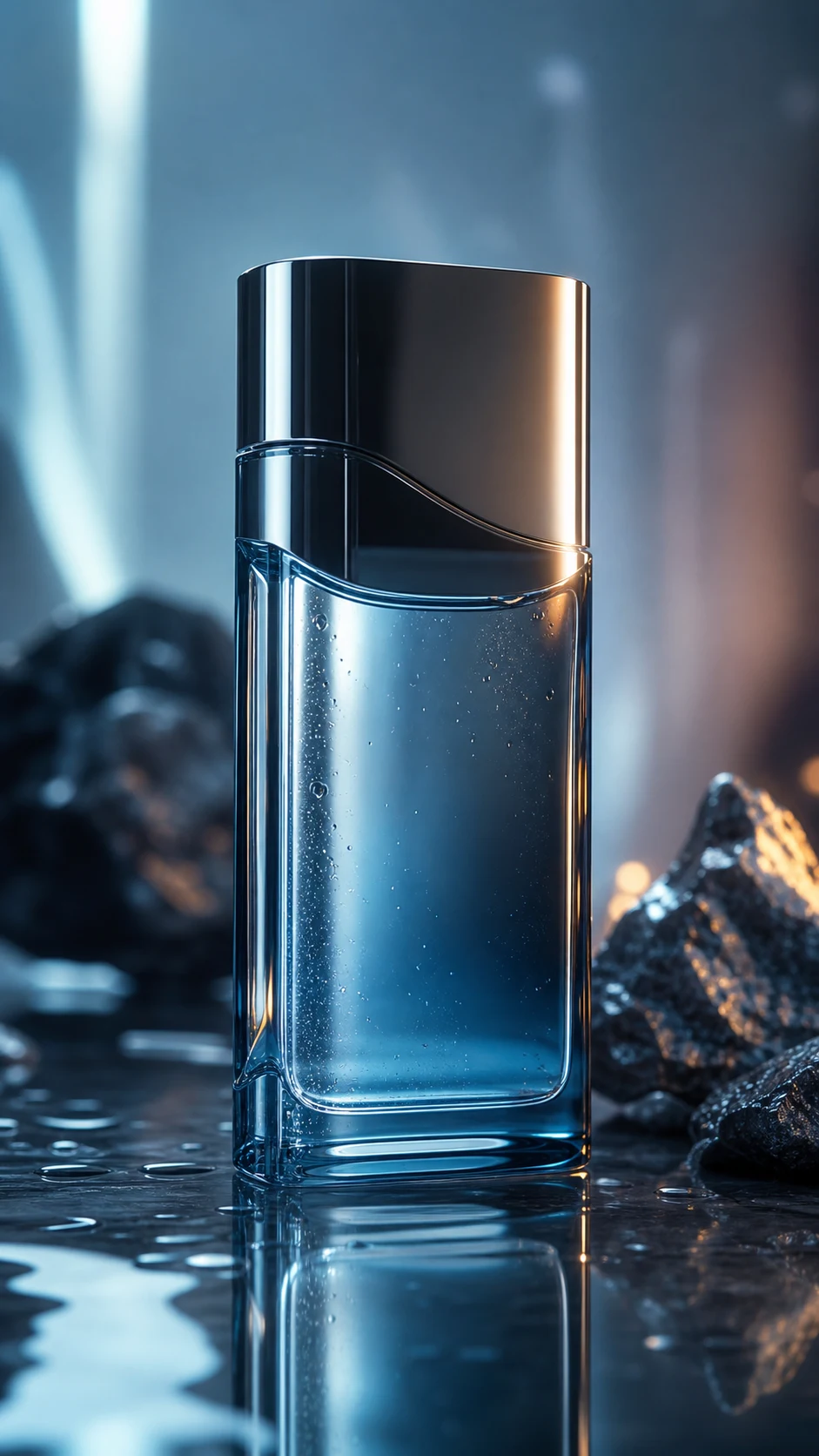
AfterKling AI-generated product video after AI watermark removal with clean reflections restored
Ready for a cleaner clip?AI-powered, no blur, no quality drop.
Start free

Authorized Kling video cleanup

This page is for creators and teams cleaning their own AI-generated assets or videos they have explicit permission to edit. It is not for stripping attribution from third-party content.

  • Your own generationsVideos prompted and generated through your Kling AI account or your organization's workflow.
  • Client-approved editsAgency, marketing, and production clips where the content owner has approved watermark cleanup.
  • Portfolio and pitch workClean up your own AI-video studies before adding them to decks, reels, or client presentations.
  • Social repurposingPrepare your own Kling-generated vertical clips for TikTok, Instagram Reels, YouTube Shorts, or paid ads.

Supported Kling versions & formats

UnmarkAI supports common video files used in AI-video workflows across all Kling generation models. Upload the best-quality export you have so the AI has enough detail to rebuild the covered pixels perfectly.

Compatible with generations from Kling

Compatible with generations from Kling 1.6, 2.6, 3.0, and newer model outputs.

Works with MP4, MOV, AVI,

Works with MP4, MOV, AVI, MKV, and WebM uploads.

Supports vertical 9

16 social clips, square posts, and landscape cinematic exports.

100% preservation of original video

100% preservation of original video resolution and frame rate.

When creators remove Kling watermarks

Kling is often used for cinematic AI shots, product mockups, storyboards, social clips, and advertising concepts. A clean master helps when the final delivery should focus on the creative work instead of the generator interface.

Portfolio reels

present your own Kling-generated experiments without a visible platform mark drawing attention away from the shot.

Client previews

prepare agency or studio concepts where the client approved a clean version for review.

Paid social creative

remove visible generator branding from your own assets before adding campaign-safe brand elements.

Cross-platform publishing

clean a vertical Kling clip before posting to TikTok, Instagram Reels, YouTube Shorts, or other channels.

Is it legal to remove Kling watermarks?

Watermark removal is appropriate only when you own the video, generated it yourself, licensed it, or have explicit permission from the content owner. Do not use this tool to remove attribution from third-party AI videos or to misrepresent someone else's work as your own.

Safe for Kling videos you

Safe for Kling videos you generated with your own account and prompts.

Safe for team or client

Safe for team or client assets where the content owner approved the edit.

Review Kling AI terms, client

Review Kling AI terms, client contracts, ad platform rules, and local copyright requirements before publishing cleaned assets.

Do not remove watermarks from

Do not remove watermarks from third-party videos without authorization.

Why AI beats cropping and blurring for Kling watermark removal

Cropping can ruin composition, especially on vertical 9:16 AI clips. Blurring leaves a visible smudge that looks like a hidden edit. AI inpainting tracks the visible mark, dynamically removes it, and rebuilds the missing texture so the cleaned clip looks natural without any resolution loss.

MethodFrame integrityVisual resultWorkflow
AI inpaintingFull frame & resolution preservedBackground reconstructed cleanlyUpload, let AI track, download
CroppingEdges lost, resolution dropsComposition changedFast but destructive
Blur or mosaicFrame retainedVisible smudge remainsSimple but unpolished

AI inpainting

reconstructs the hidden background using nearby detail and temporal frame context.

Cropping

cuts away frame area and may remove important composition near the edge.

Blurring

leaves an obvious patch that is easy to notice in polished AI-video footage.

Manual masking

incredibly time-consuming for moving watermarks, reflections, or complex generated textures.

Trust

Built for authorized video cleanup

UnmarkAI is designed for creators and teams working with content they own, license, or have permission to edit. The product copy, terms, and upload flow all reinforce that boundary.

Rights-aware workflow

Designed to help you clean videos you own, license, or are explicitly authorized to edit.

Preview before download

Check the AI reconstruction frame-by-frame before exporting the final clean video.

Secure processing

Your uploads and exports are processed securely and never shared with third parties.

Clear acceptable use policy

Strict guidelines against removing attributions from unauthorized third-party content.

Frequently asked questions

Practical answers for safe, high-quality cleanup workflows.

Does this work on newer Kling 3.0 generated videos?

Yes, UnmarkAI is compatible with all Kling AI versions, including Kling 1.6, 2.6, and 3.0. Our AI can handle the specific watermark styles generated by the latest models.

Will removing the watermark reduce my video quality?

No. UnmarkAI preserves 100% of your original resolution and frame rate. It uses AI inpainting to reconstruct only the watermarked area, ensuring zero quality loss across the rest of your video.

Can it handle watermarks that move or change slightly?

Yes. UnmarkAI tracks the watermark frame-by-frame. Even if the Kling watermark has subtle movement or dynamic elements, the AI follows it consistently to ensure a smooth, flicker-free removal.

How do I remove the Kling watermark from my video?

Upload your Kling AI-generated video to UnmarkAI, let AI locate and track the visible Kling logo or text watermark, then preview and download the clean version. The tool uses inpainting instead of cropping or blurring.

Can I remove a Kling AI logo without cropping?

Yes. UnmarkAI preserves the full frame and reconstructs the area behind the visible watermark, so you do not need to crop away a corner or edge of the video.

Is this a free Kling watermark remover?

UnmarkAI lets you upload and preview Kling watermark removal online for free. Processing and downloads may use credits depending on video length and account settings.

Is it legal to remove a Kling watermark?

It is appropriate when you own the Kling video, generated it yourself, licensed it, or have written permission from the owner. Do not remove watermarks from third-party AI videos without authorization.

Ready to clean your videos?

Join thousands of creators who use UnmarkAI to deliver distraction-free content.

Start for Free Now

Get 10 credits on sign up · No credit card required