
Free AI Veo Watermark Remover

Remove Veo Watermark from AI Video — Free AI Tool

Upload your video

Drag & drop a file here, or click to browse

Videos are processed securely and never shared

MP4, MOV, AVI, MKV, WebM · Up to 2GB

See the difference

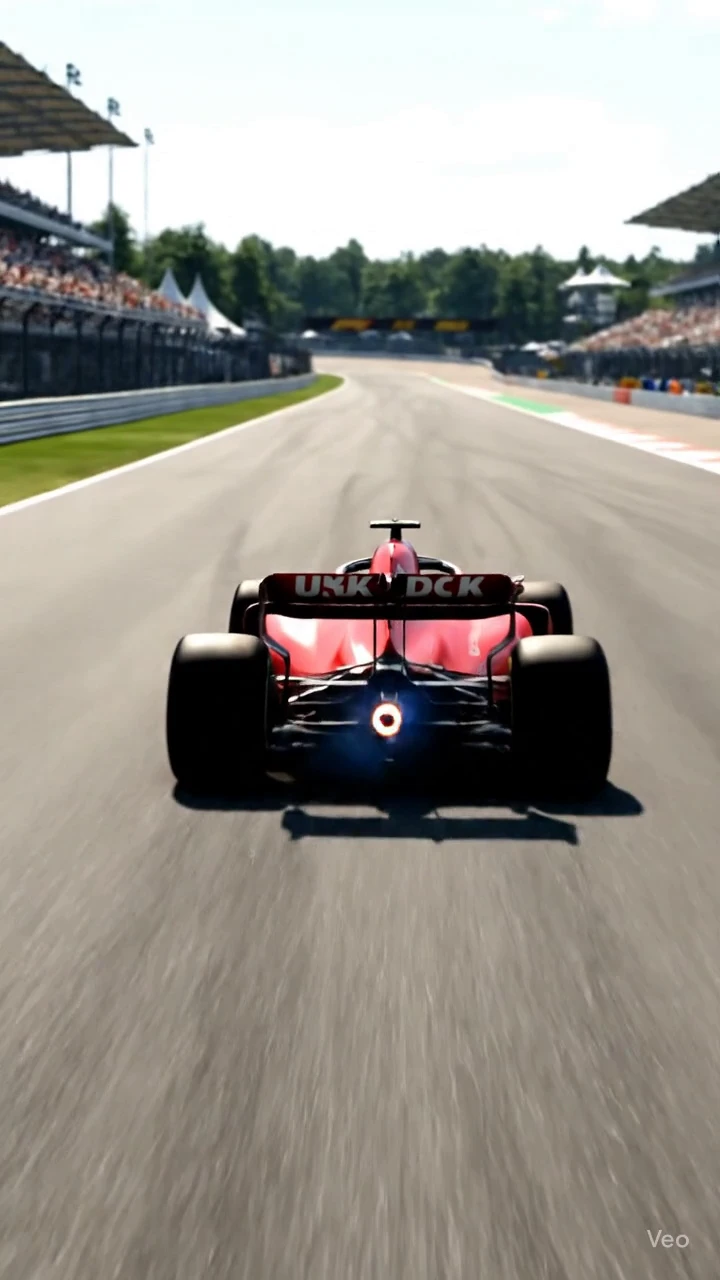
BeforeGoogle Veo AI video with visible Veo watermark logo before AI removal - UnmarkAI
AfterClean Veo-generated video after AI watermark removal, background fully restored - UnmarkAI

Remove the visible "Veo" text and logo watermark from AI-generated videos you created with Google Veo, Veo 3, or Veo 3.1. AI inpainting detects the watermark in every frame, erases it, and reconstructs the original background — no blur, no cropping, no quality loss.

UnmarkAI is an online Veo watermark remover that uses AI inpainting to erase the visible Google Veo logo from your own AI-generated videos. Upload your clip, let the AI handle detection and removal, then preview and download the clean export.

What is the visible Veo watermark, and how is it different from SynthID?

The visible Veo watermark is the on-screen Veo logo or text mark rendered into video frames for human viewers. SynthID is a separate imperceptible signal used for AI provenance. UnmarkAI can clean the visible Veo logo or text from videos you own or are authorized to edit, and it does not modify SynthID.

When can creators remove the visible Veo logo from their own AI videos?

Creators can remove the visible Veo logo when they are cleaning their own Veo, Flow, Gemini, or Vertex AI exports for client delivery, ad concepts, portfolio reels, internal review, or cross-platform reuse. The workflow is for authorized visible-logo cleanup only, not for altering invisible provenance signals.

What is the Google Veo watermark?

Google Veo is an AI video generation model developed by Google DeepMind, accessible through Gemini and Google Flow. When you generate a video with Veo — including Veo 2, Veo 3, and Veo 3.1 — the output includes two types of watermark: a visible text/logo mark (the "Veo" branding typically placed in the bottom-right corner of the frame) and an invisible watermark using Google's SynthID technology embedded in the video pixel data. This page covers removal of the visible watermark only.

Visible watermark

the "Veo" text or logo rendered in the corner of AI-generated video frames, similar to a channel bug or platform branding overlay.

Invisible watermark (SynthID)

an imperceptible digital watermark embedded by Google into the video pixel data to identify AI-generated content. It cannot be seen by the human eye and requires specialized detection tools.

The visible Veo logo is

The visible Veo logo is functionally identical to other corner watermarks — it can be removed with AI inpainting just like a TikTok or YouTube overlay.

SynthID is a separate technology

SynthID is a separate technology from the visible logo. This tool addresses the visible watermark only and does not modify SynthID.

Step-by-step: how to remove Veo watermark from video online

Keep the workflow simple: upload, guide the cleanup area, preview the result, then download the cleaned export.

01

Upload your Veo-generated video

Upload a video you generated with Google Veo, Veo 3, or Veo 3.1 via Gemini or Google Flow. Supported formats include MP4, MOV, AVI, and WebM. Use the highest-quality export from the Veo platform for the cleanest inpainting result.

02

AI detects and removes the Veo watermark

The AI scans every frame, locates the visible "Veo" text or logo watermark (typically in the bottom-right corner), and reconstructs the covered pixels using the surrounding background. No manual selection needed for fixed-position watermarks.

03

Preview and download the clean export

Compare the cleaned clip against the original. Check the area where the Veo logo was — especially around motion edges and textured backgrounds — then download the watermark-free export at your original resolution.

Veo watermark removal results

See how AI inpainting removes the visible Veo text and logo from Google Veo-generated videos without cropping the frame or leaving a visible blur patch. The background is reconstructed pixel by pixel.

  • No blur or smudgeAI reconstructs the scene behind the Veo logo, filling in the area with matching detail and texture.
  • Full frame preservedNo cropping needed — the entire video frame stays intact at the original resolution Veo exported.
  • Works on Veo 2, Veo 3, and Veo 3.1The visible watermark position and style may differ slightly between Veo versions, but the AI adapts to each layout automatically.
BeforeGoogle Veo AI-generated video with visible Veo watermark logo in the bottom-right corner before removal
AfterSame Veo video after AI inpainting removed the watermark logo cleanly without blur or cropping
Ready for a cleaner clip?AI-powered, no blur, no quality drop.
Start free
BeforeVeo-generated video showing the visible Veo text watermark overlay before AI removal
AfterVeo video after the watermark text was removed by UnmarkAI AI inpainting with the background restored
Ready for a cleaner clip?AI-powered, no blur, no quality drop.
Start free

Your own AI-generated content only

Veo watermark removal is intended for videos you generated yourself using Google Veo, Veo 3, or Veo 3.1. You have full rights to edit and modify your own AI-generated output. Do not use this tool to strip watermarks from videos created by others without their permission.

  • Your Veo generationsVideos you prompted and generated using your own Google Veo account — you control all editing rights.
  • Team or business contentVeo-generated clips produced under your organization's Google Cloud or Vertex AI account.
  • Client-approved editsVideos where the content owner gave explicit approval for watermark removal before publishing.
  • Portfolio cleanupRemoving the Veo logo from your own demo reel, portfolio, or client presentation of AI-generated work.

Veo 3 watermark removal in action

See the AI inpainting result on a Veo 3 generated clip. The visible "Veo" branding in the corner is detected and erased frame by frame, with the background reconstructed to match the surrounding scene.

  • Frame-accurate cleanupEvery frame is processed individually — no ghosting or temporal artifacts around the removed watermark area.
  • Original resolution preservedThe output stays at the same resolution and frame rate as the Veo export — no re-encoding quality loss.
  • Works across Veo versionsCompatible with Veo 2, Veo 3, and Veo 3.1 watermark styles and positions.
BeforeVeo 3 AI-generated video frame with the visible Veo branding watermark in the corner before removal
AfterVeo 3 video frame after AI watermark removal showing a clean result with no blur or visible artifacts
Ready for a cleaner clip?AI-powered, no blur, no quality drop.
Start free

Supported Veo export formats

UnmarkAI handles MP4, MOV, AVI, and WebM files — covering all export formats Google Veo produces. Veo typically outputs 720p or 1080p MP4 at 24 or 30 fps. Newer versions may support higher resolutions. Upload the highest-quality version available for the cleanest inpainting result — avoid re-compressing the Veo export before uploading.

Works with MP4, MOV, AVI,

Works with MP4, MOV, AVI, and WebM — all common Veo export formats

Veo outputs are typically 720p

Veo outputs are typically 720p or 1080p MP4; higher resolutions are supported but take longer

Preserves original resolution and frame

Preserves original resolution and frame rate whenever possible

No software installation — runs

No software installation — runs entirely in the browser on desktop and mobile

Why Veo creators remove the visible watermark

Content creators and teams using Google Veo for video production often need a clean version of their AI-generated output for professional use. The visible "Veo" logo, while useful for identifying AI-generated content during review, may not be appropriate for final delivery in client work, advertising, or portfolio presentations.

Professional presentations

Remove the Veo branding from AI-generated clips used in client pitches, investor decks, or corporate videos where clean output is expected.

Ad creative production

AI-generated video used in paid advertising or marketing materials typically requires a clean, unbranded version for platform compliance.

Portfolio and demo reels

Showcase your AI video work without the platform watermark, keeping the focus on the content quality and your creative direction.

Multi-tool workflows

When Veo-generated clips are combined with footage from other sources in a larger production, the Veo logo creates visual inconsistency across cuts.

Is it legal to remove the Veo watermark from your own AI videos?

Yes. When you generate a video using Google Veo with your own account, you have the right to edit and modify your AI-generated output. Removing the visible watermark from your own generations is a legitimate editing action, just like color grading or adding transitions. This tool is not intended for stripping watermarks from videos created by others.

Videos you generated yourself using

Videos you generated yourself using your own Veo account — you control the editing rights to your AI output.

Team or organizational content produced

Team or organizational content produced under your Google Cloud or Vertex AI subscription.

Get written approval before editing

Get written approval before editing Veo-generated videos that belong to another creator.

Do not use this tool

Do not use this tool to remove watermarks from third-party AI-generated videos without permission.

Why AI inpainting beats cropping and blurring for Veo watermarks

Cropping the bottom-right corner where the Veo logo sits throws away usable frame area and changes the composition. Blurring the area leaves a visible smudge that looks unprofessional. AI inpainting removes the watermark and reconstructs the hidden background so your Veo-generated video looks exactly as intended — clean and full-frame.

No forced crop — keeps

No forced crop — keeps the original composition and resolution intact

No visible blur or smudge

No visible blur or smudge where the Veo logo was

Reconstructs textured backgrounds that would

Reconstructs textured backgrounds that would be destroyed by cropping

Batch-friendly — queue multiple Veo-generated

Batch-friendly — queue multiple Veo-generated clips for processing at once

Trust

Built for authorized video cleanup

UnmarkAI is designed for creators and teams working with content they own, license, or have permission to edit. The product copy, terms, and upload flow all reinforce that boundary.

Rights-aware workflow

Designed to help you clean videos you own, license, or are explicitly authorized to edit.

Preview before download

Check the AI reconstruction frame-by-frame before exporting the final clean video.

Secure processing

Your uploads and exports are processed securely and never shared with third parties.

Clear acceptable use policy

Strict guidelines against removing attributions from unauthorized third-party content.

Frequently asked questions

Practical answers for safe, high-quality cleanup workflows.

How do I remove the Veo watermark from my video?

Upload your Veo-generated video to UnmarkAI. The AI detects the visible Veo logo in each frame, erases it using inpainting, and reconstructs the background. Preview the result side-by-side, then download the clean version.

Does this remove the visible Veo logo or the invisible SynthID watermark?

This tool removes the visible "Veo" text and logo watermark that appears in the corner of AI-generated video frames. SynthID is Google's invisible, imperceptible watermark embedded in the pixel data — it cannot be seen by the human eye, requires specialized detection tools, and is a separate technology from the visible branding. The visible logo identifies the generation tool to human viewers, while SynthID enables automated AI content detection for provenance tracking. This tool addresses only the visible watermark and does not modify SynthID. (Google DeepMind SynthID announcement)

Does this work on Veo 3 and Veo 3.1 videos?

Yes. The visible watermark layout may differ slightly between Veo 2, Veo 3, and Veo 3.1 — the logo position, size, or transparency can change between versions — but the AI adapts to each layout automatically. Upload your video directly and the tool handles detection.

Does Google Veo add a watermark to every generated video?

Yes. Google Veo adds both a visible "Veo" logo watermark and an invisible SynthID watermark to every video it generates, regardless of whether you use the free tier or a paid subscription. The visible watermark typically appears in the bottom-right corner of the frame. (SynthID — Google DeepMind)

Is it legal to remove the Veo watermark from my own AI-generated video?

Yes. When you generate a video with your own Google Veo account, you have the right to edit and modify your AI-generated output. Removing the visible watermark from your own generations is a legitimate editing action, similar to color grading or adding transitions.

Ready to clean your videos?

Join thousands of creators who use UnmarkAI to deliver distraction-free content.

Start for Free Now

Get 10 credits on sign up · No credit card required